ATOMFALL mods: Visual Tweaks, Save Files, and Updates
Explore ATOMFALL mods for visual tweaks, HUD controls, faster startup, and DLC save files. Learn what the free update adds before changing your PC setup.
Jump to
What ATOMFALL Mods Can Change
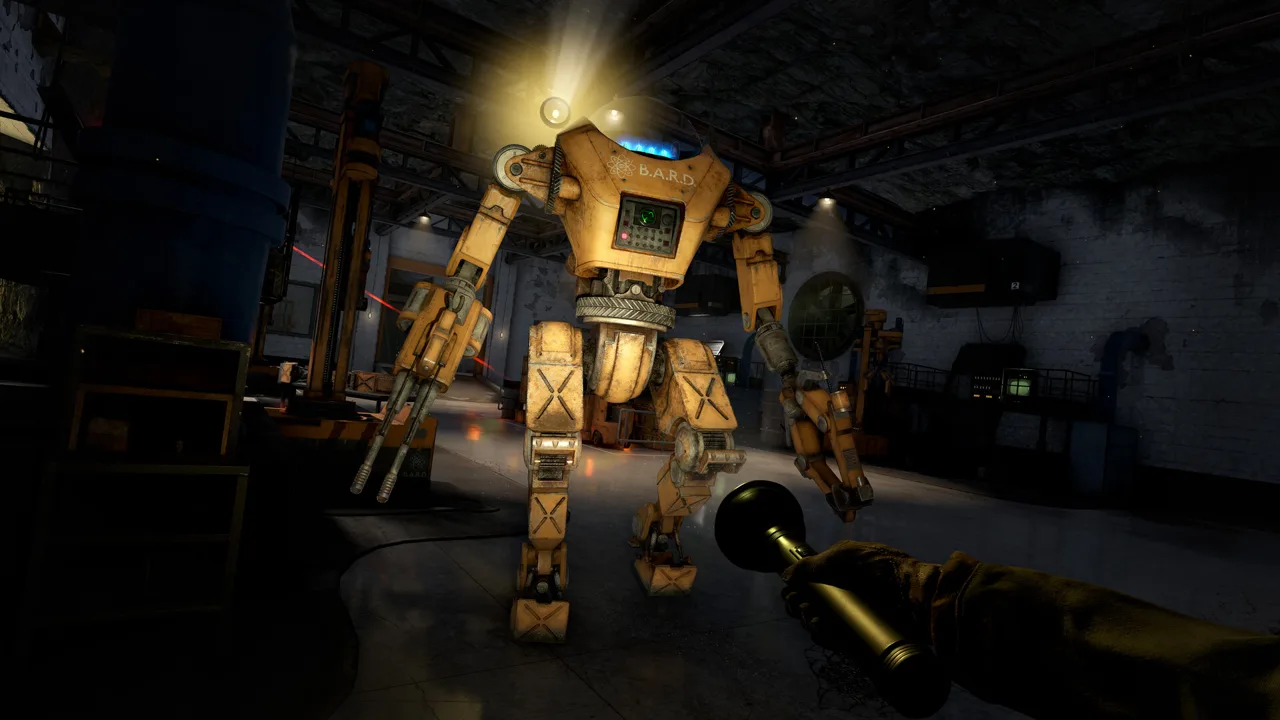
A quieter screen, different lighting, or a shortcut past the opening videos can change how your next trip into the quarantine zone feels. ATOMFALL mods matter because the available community downloads address specific presentation and convenience needs, from anti-aliasing to save files positioned around expansion content. This guide explains the ATOMFALL mods shown in the supplied listings and separates their advertised features from additions already included in Rebellion’s free update.
Atomfall centers on exploration, investigation, scavenging, and tense encounters in a fictional British quarantine zone. Its countryside mixes rural scenery with cult-controlled ruins, caves, and nuclear bunkers. That setting gives visual presets plenty to work with, while its interconnected leads make the starting point of a downloaded save especially relevant.
The Atomfall Steam store page identifies Rebellion as the developer and publisher and lists the game’s release date as March 27, 2025. It also describes scarce ammunition, crafting, bartering, and heart-rate management during combat.
The community catalog covers a narrower set of changes than that broad survival framework. Its visible entries include ReShade presets, display controls, localization projects, startup-video skipping, and shared saves. The supplied descriptions do not establish a comprehensive gameplay overhaul or an official modding toolkit.
A useful approach is to define the change you want before downloading anything. If your goal is faster travel or a less unsettling presentation of hostile swarms, the free update may already provide it.
Visual Mods: ReShade, Night Vision, and Anti-Aliasing
Several ATOMFALL mods focus on how the quarantine zone looks. Their descriptions mention color adjustments, texture presentation, anti-aliasing, and night vision, but those features should not be treated as interchangeable.
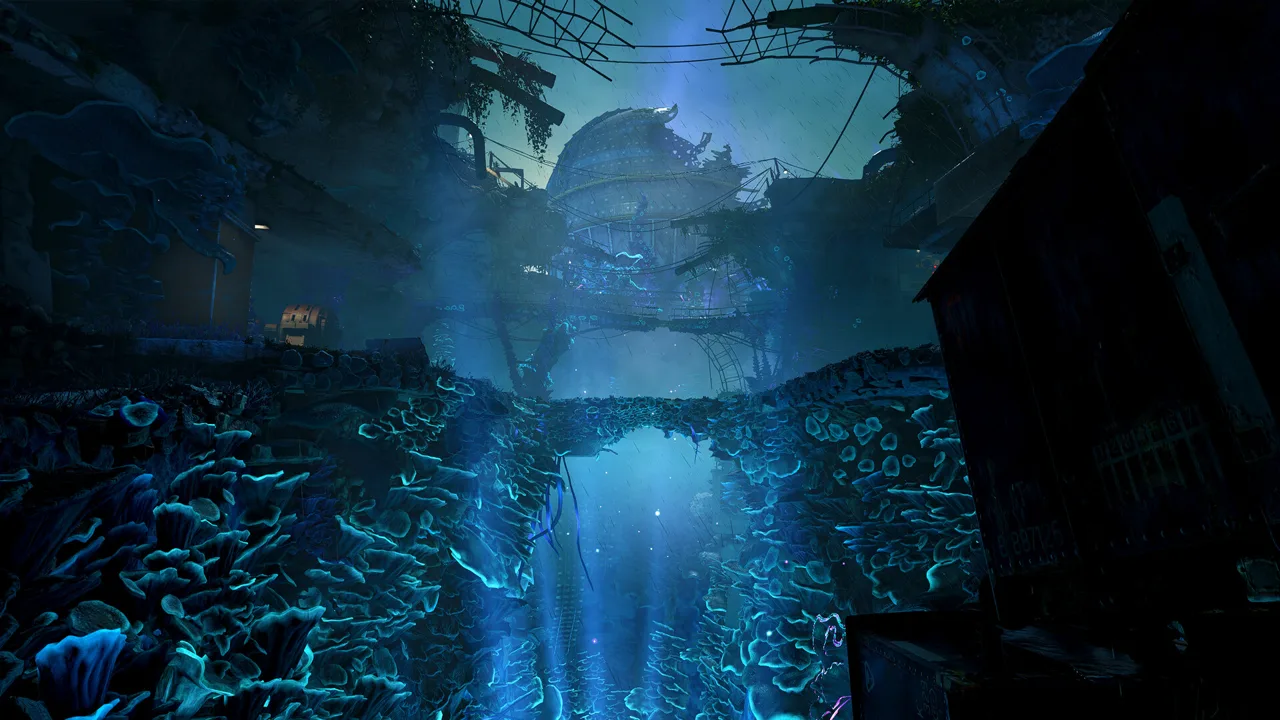 Image: Steam / Rebellion
The following are community reports from the mod listings, rather than independently measured results.
| Listed download | Advertised visual changes | Performance claim in the listing |
|---|---|---|
| Nightvision and Graphics Improvements - ReShade | Night vision alongside graphical adjustments | Described by its creator as performance friendly |
| Real Life ATOMFALL By Scottyus1 | More realistic colors and greater apparent texture depth | No performance claim provided |
| FloppyJoysticks Pretty Cumbria | More vibrant, realistic colors, anti-aliasing, and other visual adjustments | Described as having a low impact on frame rate |
| Anti-aliasing for Atomfall | Adds anti-aliasing | No performance claim provided |
Understand what the descriptions actually promise
The night-vision preset’s creator connects the project to dissatisfaction with the flashlight. That is a community report from one creator, not evidence of a wider player consensus. Its description advertises a ReShade solution; it does not document a replacement flashlight mechanic, increased battery life, or changes to enemy behavior.
Similarly, Real Life ATOMFALL By Scottyus1 describes added depth to textures. That wording does not establish that the download replaces the game’s texture assets. A good approach is to judge its visual presentation without assuming it contains a texture pack.
FloppyJoysticks Pretty Cumbria combines color changes with anti-aliasing. The separately listed Anti-aliasing for Atomfall focuses its description on smoothing alone. Those overlapping claims make it useful to identify which effect you actually want.
Compare changes in a consistent scene
Because these downloads alter presentation, a good approach is to compare the same location before and after applying a preset. Look at foliage edges, distant scenery, dark interiors, and the overall color balance.
Avoid treating “performance friendly” as a benchmark. The reference provides no hardware-specific frame-rate measurements for these files. A creator’s description can explain the intended effect, but it cannot predict the result on every PC.
For ATOMFALL mods that overlap visually, changing one item at a time makes the result easier to assess. Stacking multiple color and smoothing adjustments immediately can make it harder to tell which download produced the look you prefer.
HUD Controls and Faster Startup
Two other visible downloads target screen presentation and launch convenience. These ATOMFALL mods address different moments: one changes what appears during play, while the other bypasses introductory videos.
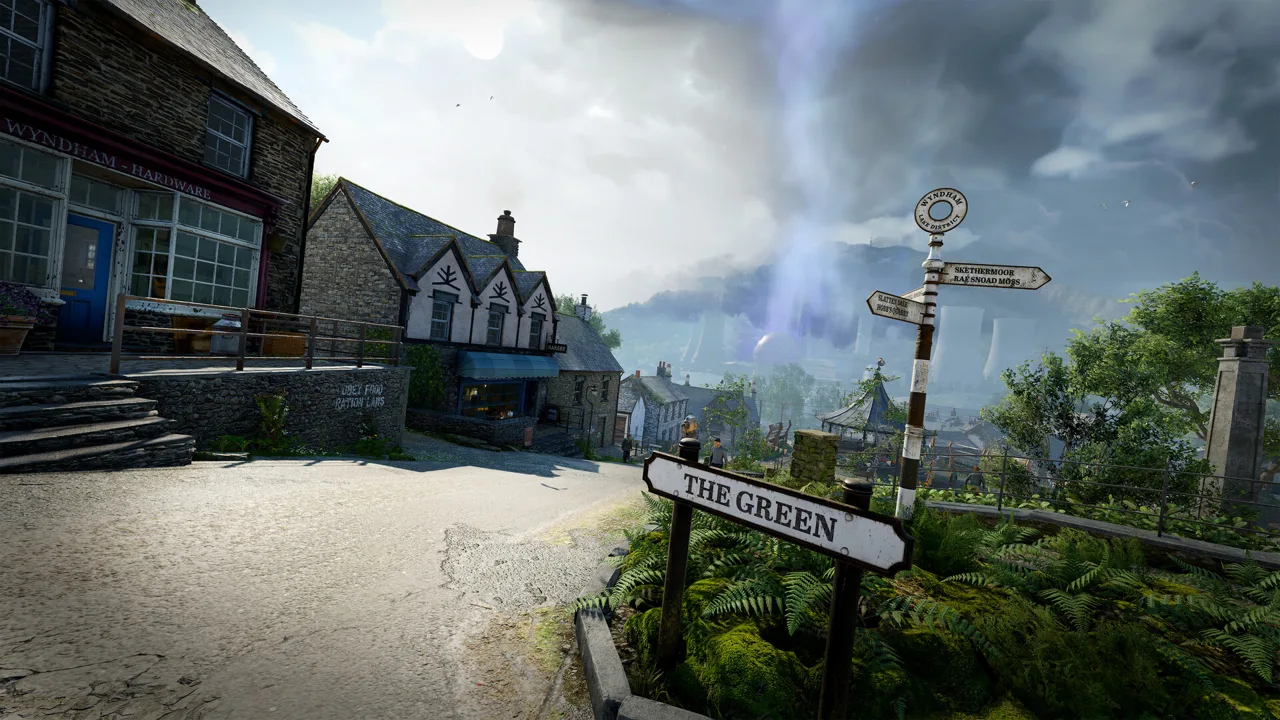 Image: Steam / Rebellion
Their advertised functions come from community reports in the Nexus Mods listings.
| Listed download | Advertised function | Detail not established by the supplied description |
|---|---|---|
| No-HUD-No-Effects - Toggle DOF - Bullet Tracers and MORE | Uses ShaderToggler to make the HUD and effects toggleable; its title also identifies depth of field and bullet tracers | Exact controls and the complete list of supported toggles |
| No-Intro (Skip Startup - Splash Videos) | Automatically bypasses startup or introduction videos | A measured launch-time reduction |
Read the HUD listing beyond its title
A toggleable HUD could be relevant if you want an unobstructed view of Atomfall’s countryside. However, the supplied description does not explain whether individual interface elements can be controlled separately.
It also does not provide key bindings. There is no supported basis here for naming a shortcut, prescribing a configuration file, or giving a universal installation sequence.
A good approach is to consult the individual download’s instructions before relying on a particular toggle. Since the advertised function affects the HUD, check that the information you need during exploration and combat remains accessible in your chosen configuration.
Keep startup claims specific
No-Intro advertises automatic skipping of startup and introduction videos. That is a clear convenience feature, but the reference contains no timing comparison.
The description also does not claim improved frame rates, shorter area-loading times, or faster save loading. Evaluate it around the function it actually advertises: getting past the opening videos.
That distinction helps keep an ATOMFALL mods setup focused. A startup change and a graphics preset may both be useful to a particular player, but they solve separate problems and should be assessed separately.
Localization and Save Files for Expansion Content
The catalog also includes language projects and downloadable saves. These entries require a different kind of attention from visual presets because they concern text, audio presentation, or a supplied point in the story.
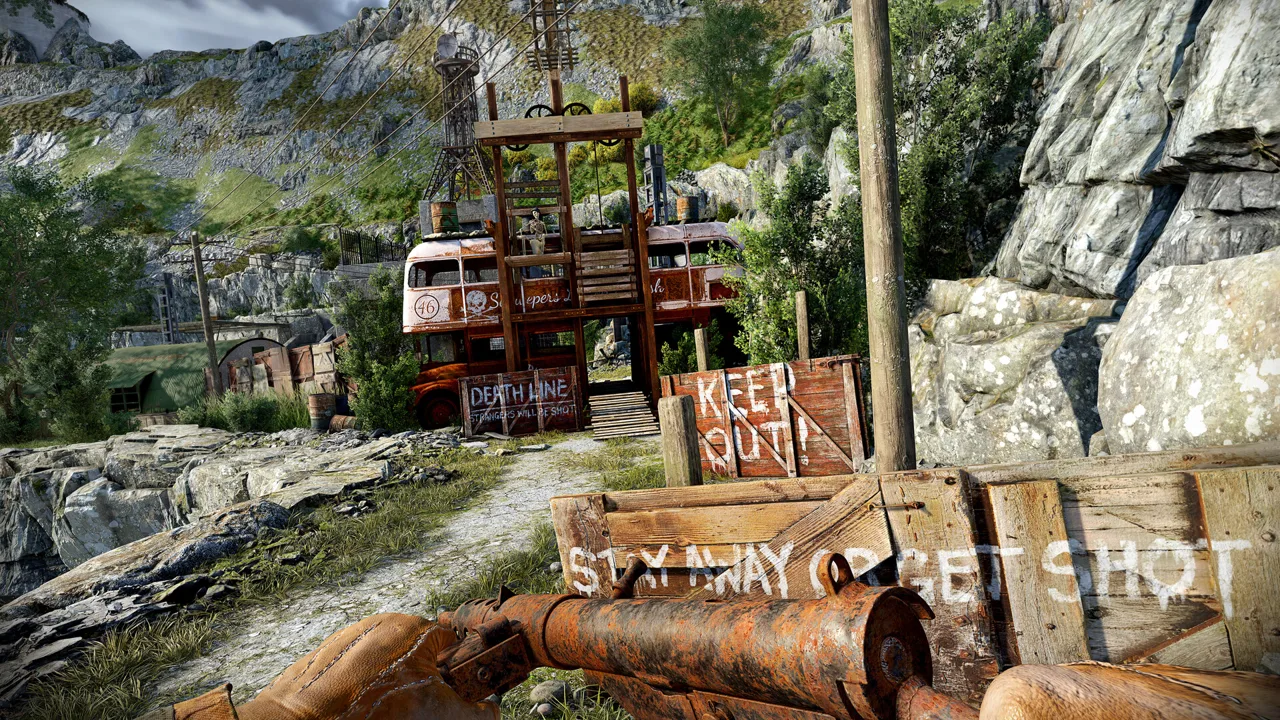 Image: Steam / Rebellion
The descriptions below are community reports from their creators. They establish what each listing claims, without independently confirming completeness or compatibility.
| Listed download | What the listing says | Scope to check before use |
|---|---|---|
| Atomfall German Ki Synchro | The creator reports testing the mod; the listed file size is 3.2GB | The supplied excerpt does not explain its full coverage |
| Ukrainian Localization Mod for Atomfall | Claims complete Ukrainian text localization, including interface text, dialogue, tips, and item descriptions | Its reference to the latest version should be checked against your installed version |
| Atomfall - Download All Save Game Files (Including DLCs) | Offers saves at specific critical points, including options intended for expansion access | The exact story state of the selected save |
| Wicked Isle - Starter Save | Described as a save for starting the expansion, with nothing else completed | The individual file’s requirements and starting state |
Separate community localization from store-listed languages
The Steam listing includes English and 11 additional languages. German appears among the supported interface and subtitle languages, while English is marked for full audio.
That distinction matters when considering Atomfall German Ki Synchro. Its name and creator comment do not establish that it replaces every spoken line, covers every expansion, or matches the production scope of the game’s listed audio support.
The Ukrainian project makes a more explicit claim: complete text localization across several categories. Even so, “latest version” is relative to the creator’s description. A good approach is to check whether the download’s compatibility information matches the game build you are using.
Treat a shared save as a starting state
The all-save-files listing specifically describes helping players reach critical points, including those who want to access expansion content after finishing the game. Wicked Isle - Starter Save advertises a narrower starting point.
These are shared saves, rather than described changes to the game’s travel or quest systems. They provide an existing progression state; the reference does not say they preserve your personal decisions.
Atomfall’s store description emphasizes consequential choices and interconnected narratives. A good approach is therefore to read the supplied save’s description carefully before using it, especially if maintaining your own investigation path matters to you.
Keep a separate copy of your existing saves before substituting downloaded files. The reference does not provide save-directory paths or import instructions, so follow the individual listing rather than guessing a location.
Check the Free Update Before Installing ATOMFALL Mods
Some features that might prompt a mod search are already described in Rebellion’s update video. The transcript covers rapid travel, hidden elite weapons, combat adjustments, an accessibility setting, and an additional save feature.
These are claims from the developer’s update video, rather than community-mod features.
| Update feature | What the video describes | Practical implication |
|---|---|---|
| Rapid travel network | Regional hubs connected through discovered and unlocked BARD hatches | Travel requires exploration and unlocking destinations |
| Elite weapons | Three variants tied to leads concerning a stranger called Red Fox | New weapon discoveries are part of the update |
| Phobia safe mode | Replaces hostile vermin swarms visually with Cornish pasties | The swarms still attack when approached |
| Location save | A save that remains when entering a new area | Provides a described reset point for reconsidering an approach |
Rapid travel still involves discovery
The video says the network has a hub in each region and allows movement between hubs you have unlocked. It gives northeast of Molly the Trader as a starting clue, while deliberately withholding exact locations and activation details.
A good approach is to follow that clue and investigate the network through exploration. The supplied material does not justify inventing coordinates, hatch codes, or a complete unlock route.
For anyone researching ATOMFALL mods mainly to reduce repeated travel, this built-in network is worth examining before looking for an additional download.
Accessibility changes do not remove the threat
Phobia safe mode appears in the accessibility options. According to the video, it changes hostile vermin swarms into Cornish pasties while retaining their attacks when you get too close.
The visual substitution therefore does not make those encounters harmless. A good approach is to keep the same caution around an approaching swarm even if its appearance is less disturbing.
The video also describes stronger combat feedback, physical knockbacks, AI adjustments, weapon balancing, and gunplay improvements. It does not supply exact damage values or numerical balance changes.
Keep updates and expansions distinct
The update video presents these additions as a free update. Separately, it describes the Complete Edition as containing the base game, Basic Supply Bundle, Enhanced Supply Bundle, Wicked Isle, and The Red Strain.
Those categories matter when evaluating shared saves. A save advertised around expansion content does not, by itself, establish that the corresponding expansion is included with your copy.
The same principle applies across ATOMFALL mods: identify whether you need a community presentation change, a particular save state, an included update feature, or separately listed expansion content. That makes each download easier to evaluate on its actual claims.
FAQ
Which ATOMFALL mods are listed in the available sources?
The visible catalog includes visual presets, anti-aliasing, HUD and effect toggles, startup-video skipping, localization projects, and shared saves. It does not establish a complete inventory of all available mods.
Do I need a mod for fast travel?
Rebellion’s update video describes a built-in rapid travel network. You must discover and unlock BARD hatches to travel between the associated hubs. The transcript provides a starting clue northeast of Molly the Trader.
Does phobia safe mode stop vermin swarms from attacking?
No. The update video says the setting changes their appearance to Cornish pasties, but they still attack when you get too close. It changes their presentation while retaining the threat.
Will these downloads work with every PC storefront or on consoles?
The supplied Nexus Mods catalog identifies Atomfall as a Steam game. Its excerpts do not confirm compatibility across other PC storefronts or consoles. Check each download’s stated requirements and supported version before using it.
Continue with
 ATOMFALL multiplayer: Co-op and Solo Play ExplainedLooking for ATOMFALL multiplayer? Learn what Steam confirms about solo play, how co-op fits the feature list, and what to check before buying the game.
More in Features
ATOMFALL inventory Guide: Carry Less, Scavenge Smarter
Manage your ATOMFALL inventory with practical tips for weapons, ammo, crafting, storage, and barter. Pack useful supplies and make room for your next haul.
ATOMFALL new game plus: Replay Options and Update Guide
Looking for ATOMFALL new game plus? Explore what the sources confirm about replaying, fast travel, elite weapons, and Complete Edition before returning.
Join the community
Official channels for news, updates and player help: